Sales Navigator sourcing
Using LinkedIn Sales Navigator, a paid prospecting tool originally built for sales teams, as a sourcing layer by exploiting its headcount-growth, job-change, and department-size filters to find candidates with better timing signals than standard LinkedIn search.
Michal Juhas · Last reviewed May 4, 2026
What is Sales Navigator sourcing?
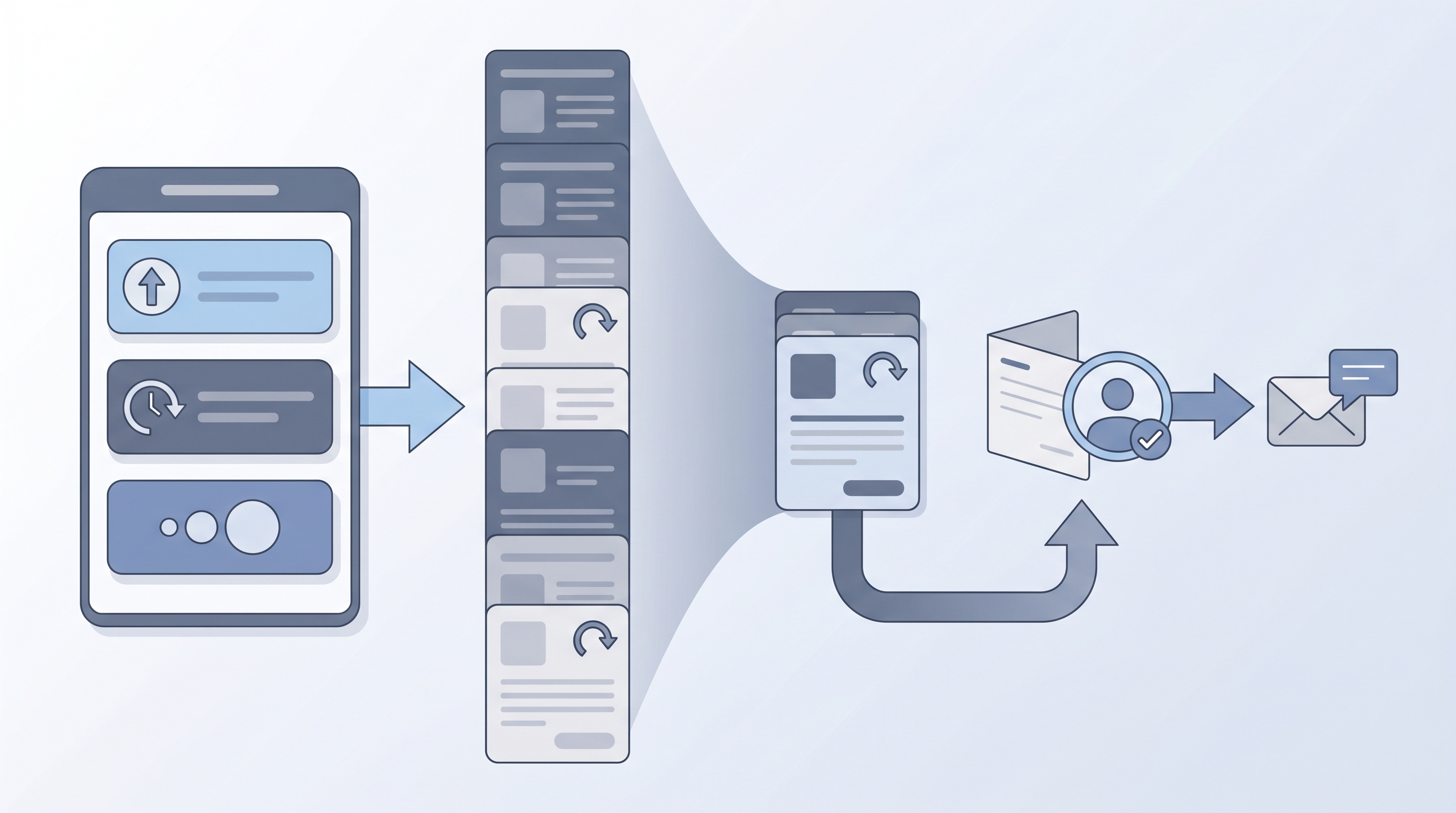
Sales Navigator is a LinkedIn subscription built for B2B sales teams but widely adopted by talent sourcers because its filters go well beyond standard LinkedIn search. Headcount growth, department size, revenue bands, and job-change alerts give sourcers signals about candidate timing and openness that title-and-keyword queries miss entirely.
In practice
- A sourcer working a fintech CFO search will filter for finance leaders at companies that grew headcount by 20-plus percent last quarter and cross-reference with a job-change alert to find people who just moved. That timing filter is the part LinkedIn Recruiter does not expose in the same way.
- Agency recruiters sometimes run Sales Navigator seats alongside LinkedIn Recruiter because the filters surface different profiles and the total cost is lower for small teams that do not need ATS integration from within LinkedIn.
- In team retrospectives you will hear "I found her through Sales Nav job-change" as shorthand for a warm outreach that landed because the timing was right, not because the message was clever.
Quick read, then how hiring teams use it
This is for recruiters, sourcers, TA, and HR partners who need the same vocabulary in debriefs, vendor calls, and policy reviews. Skim the first section when you need a fast shared picture. Use the second when you are deciding how it shows up in the ATS, sourcing tools, or candidate communications.
Plain-language summary
- What it means for you: Sales Navigator is LinkedIn's advanced filter layer that shows you company growth, department size, and who recently changed jobs, signals that standard LinkedIn search hides or limits.
- How you would use it: You pick a target company profile (growing fast, right size, right sector) and then narrow inside that by title family. Job-change alerts tell you when timing is favorable.
- How to get started: Run one saved search on a live req using the headcount-growth filter alongside your usual title terms. Compare the result list to your usual LinkedIn Recruiter search and note which names appear only in Sales Nav.
- When it is a good time: When standard keyword searches return the same names each week or when you need timing signals (recent role changes, company growth events) and not just a skills match.
When you are running live reqs and tools
- What it means for you: Sales Nav data is personal data under GDPR regardless of how you access it. Your contract tier determines what you can export, store, and pipe into enrichment vendors.
- When it is a good time: After your team has documented lawful basis for first-touch outreach and a retention policy for discovered contacts. Not before.
- How to use it: Build tight filter sets first (company-growth band plus title family plus geography). Test InMail copy on a twenty-person batch before scaling. Log which saved search produced which lead so you can audit and remove contacts after the retention period.
- How to get started: Read your LinkedIn contract for export and automation terms. Map the fields you plan to store against your DPA. Then run one search, save it, and review results weekly rather than exporting everything at once.
- What to watch for: Browser automation extensions that simulate bulk InMail violate LinkedIn terms and risk account restriction. Stale data after a company reorg makes personalized outreach look careless. AI-generated messages referencing an old role or team hurt reply rates and reputation.
Where we talk about this
On AI with Michal live sessions we cover Sales Navigator sourcing inside the sourcing automation and AI in recruiting tracks. You will see real filter builds, InMail copy tests, and comparisons of what LinkedIn Recruiter shows versus Sales Nav on the same req. If you want the full room conversation with peer feedback on your actual saved searches, start at Workshops.
Around the web (opinions and rabbit holes)
Third-party creators move fast. Treat these as starting points, not endorsements, and double-check terms before wiring candidate data to any new vendor.
YouTube
These open a results page; use Filters → Upload date for recent walkthroughs. Prefer videos that build filters against a real req instead of generic UI tours, and cross-check anything about exports or automation with your LinkedIn contract.
- Sales Navigator recruiting sourcing (practitioner filter builds for talent, not only sales prospecting)
- Sales Navigator advanced search + lead lists (saved searches, list hygiene, and account-based narrowing)
- Job change alerts + Sales Navigator (timing signals and outreach cadence around recent moves)
- Boolean search inside Sales Navigator (keyword refinement in title and keyword fields)
- Sales Navigator vs LinkedIn Recruiter (cost, filters, and when teams run both)
Official product explainers and feature drops ship from LinkedIn for Sales on YouTube; treat them as vendor perspective, not neutral hiring advice.
- r/recruiting regularly has threads comparing Sales Navigator to LinkedIn Recruiter on cost and filter depth. Search: Sales Navigator vs Recruiter surfaces honest practitioner opinions from people paying their own license costs.
- r/Talent has sourcing-specific threads on filters, InMail limits, and what happens when you hit weekly InMail caps mid-campaign.
Quora
- How do recruiters use LinkedIn Sales Navigator? returns a range of practitioner answers including filter strategies, cost comparisons, and GDPR cautions that solo sourcers have learned the hard way.
Sales Navigator versus LinkedIn Recruiter
| Feature | Sales Navigator | LinkedIn Recruiter |
|---|---|---|
| Headcount growth filter | Yes | No |
| Job-change alerts | Yes | Limited |
| ATS integration | No | Yes |
| Shared team seat logic | Limited | Full |
| InMail credits (Core) | 50/month | 150/month |
| Price per seat | Lower | Higher |
Recruiter wins on workflow integration. Sales Nav wins on signal quality for timing-sensitive sourcing.
Related on this site
- Glossary: Boolean search, Candidate data enrichment, Workflow automation, Semantic search, Proprietary talent pool
- Blog: AI sourcing tools for recruiters, Boolean search vs AI sourcing
- Guides: Sourcers
- Live cohort: Workshops
- Courses: Starting with AI: the foundations in recruiting
- Membership: Become a member